ChatGPT Images 2.5, Writing Voice, and Meta's Personal AI Agent
Sep 11, 2026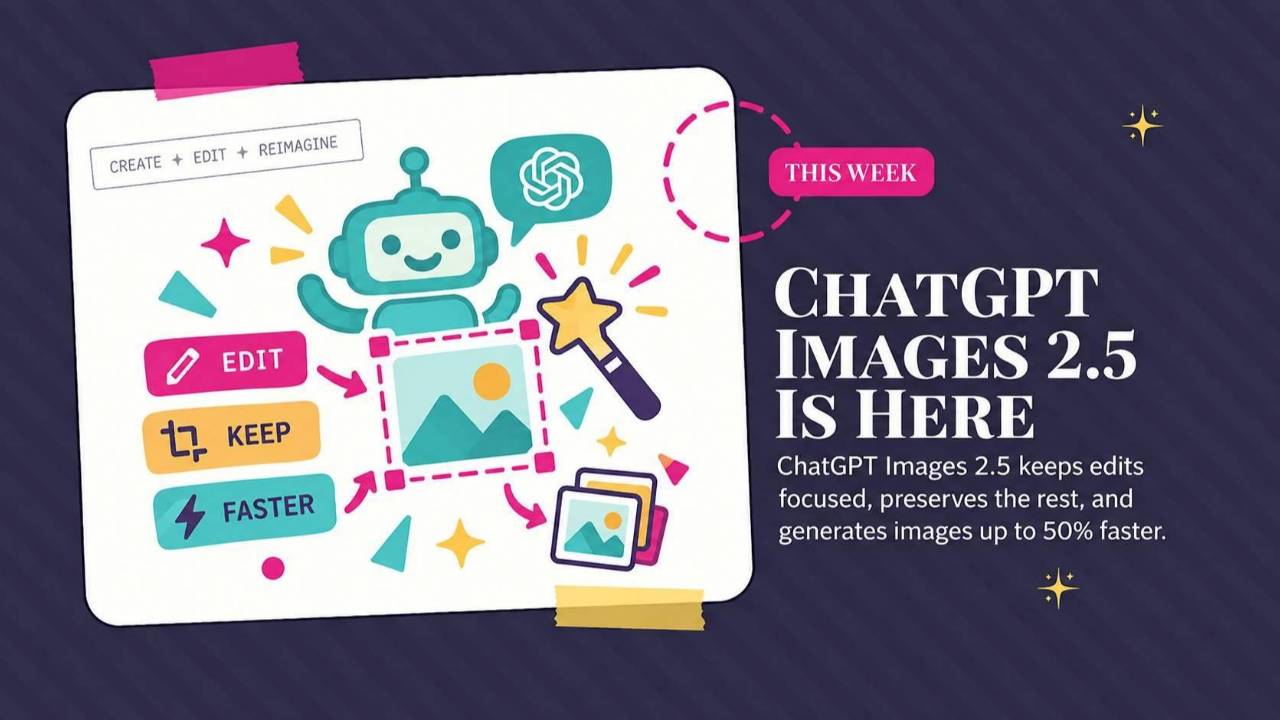
ChatGPT Images 2.5 adds new editing options, ChatGPT Work learns your writing voice from your emails, and Meta introduces a personal agent for bookings, purchases, and messages. This roundup explains the business uses, with a website-building prompt to try.
Weekly AI Highlights: September 5-11, 2026
What Small Business Owners Need to Know Right Now
Hey Reader,
Hello from Marrakech!
OpenAI had a big week. A new image model you can draw in, and a way for ChatGPT to learn your writing voice from your own emails. Then Meta launched a personal agent that will book, buy, and email on your behalf.
Let's get into it.
1. OpenAI Introduced ChatGPT Images 2.5
The new image model landed Tuesday. It is already live for you in ChatGPT, ChatGPT Work, and Codex, on every plan, on desktop, mobile, and web.
Sharper detail, more natural lighting, and images that generate up to 50% faster than the last model.
But the change you will feel first is editing.
You know how you get an image that is almost right, you ask it to change one thing, and it hands you a completely different picture? New face, new lighting, new everything. So you sit there re-rolling the same prompt hoping for a version that is close enough.
Images 2.5 is built to change only what you asked for and leave the rest alone, and to hold that across a long back and forth. OpenAI's own launch example is a photo of a dog turned into a dog in a stuntman suit, with the sidewalk, the shadows, and the chairs behind it untouched.
Then there is Sketch, which is the one people are having the most fun with. You type @Sketch, a canvas opens, and you draw. A room layout, the shape of a jacket, where you want the headline to sit on a flyer. Then you describe the style you want and ChatGPT builds the finished image from your drawing. You do not have to draw well. It is a rough guide, not artwork.
Three smaller additions:
- Templates for common formats like posters, flyers, merch, and product photos, so you start from a structure instead of a blank prompt
- Comments directly on an image, so you can point at the exact spot you want fixed
- Prompt sharing, so someone else can run your prompt with their own photos
Source Link:Read more: 1. OpenAI Introduced ChatGPT Images 2.5
2. ChatGPT Work Can Now Learn Your Writing Voice From Your Own Emails
You have always been able to get ChatGPT to sound like you. You just had to create a pretty extensive markdown file to get it up to speed.
ChatGPT Work now has a Writing style setting. You connect the tools you already write in, and it builds a picture of your voice from writing you have already done. Gmail, Google Drive, Slack, and SharePoint are the four sources OpenAI named.
It looks for the small stuff. Phrases you reach for over and over. How you sign off. Your capitalization habits, including the ones you did not know you had. Then it carries that into whatever it drafts for you next, across ChatGPT Work on web and mobile.
One detail worth knowing: it does not learn from what you type into ChatGPT. Only from the connected apps. So it is reading how you write to a client, not how you write instructions to a chatbot.
To turn it on: Settings → Personalization → Writing style. Then pick which tools to connect.
This is on the web, for all paid plans with access to ChatGPT Work.
Source Link: Source: 2. ChatGPT Work Can Now Learn Your Writing Voice From Your Own Emails
3. Meta Launched a Personal AI Agent That Books, Buys, and Emails For You
Meta released Muse on Tuesday. It is a free app on iPhone and Android in the US, it works at muse.ai, and it runs inside WhatsApp.
Muse is an agent, which means it does things instead of just answering things. You connect your email, your calendar, your shopping accounts, and your payment info, and it goes and handles the task.
Here is what makes it different from asking ChatGPT for help.
Muse gets its own computer in Meta's cloud, with a browser you can watch it use. So it can keep working after you close the app. Meta's own examples are the slow, annoying jobs: negotiating a better price when you sell your car, calling a bill down, sorting out a scheduling mess. It works in the background and comes back to you when something changes or when it needs your approval.
It can also pay. Purchases go through a wallet called Link, built by Stripe.
Before it sends an email or spends money, it stops and asks you. There is an audit trail showing everything it has done and everything it plans to do next. Permissions can be narrow. You can give it read access without write access, and you can scope it to one service or one task or one window of time.
Pricing is free for most things, with plans at $20 and $100 a month for longer or heavier tasks.
Now the part worth slowing down on. By default, what you type into Muse can be used by Meta to improve its models. There is a setting to turn that off. Meta says it is building a version where the company cannot see inside your workspace at all, and expects to release it before the end of the year. It is not out yet.
CNBC covered the privacy and safety questions here, and they are worth reading before you connect anything.
Source Link:Read more: 3. Meta Launched a Personal AI Agent That Books, Buys, and Emails For You
HAPPENING NEXT WEEK
Join the Front Row AI Club to catch this training:
- A behind-the-scenes walkthrough of the system I built with Claude and Notion that reads my call transcripts, maps who in my network should know each other, and drafts the introductions for me.
- Why the highest-value connections in your network are the ones you can't hold in your head, and how to get AI to surface them for you every week.
- The reason most AI output sounds generic no matter how good the prompt is, and what has to be true about your messaging before AI can amplify it instead of flattening it.
PROMPT OF THE WEEK
Build a Working Website by Describing It, Using ChatGPT Sites
There is a feature inside the ChatGPT desktop app called Sites, and most people have not found it yet.
You describe a website. It builds it. Then you tell it what to change, in plain English, until it is right. When you are happy with it, you click Publish and you get a link you can send to anyone.
No code. No drag and drop builder. No template you have to fight with.
What it does: turns a description into a real, working web page.
When to use it: for the small things you keep meaning to build and never do. A simple page for a new offer. A tracker your team can actually see. A resource page for your clients.
What you get back: a live page with a shareable link.
One thing to notice: the first version will probably not be right, and that is fine. The whole point is that you keep telling it what to fix.
Here are the steps:
- Open the ChatGPT desktop app and switch to the Codex tab.
- Click Sites in the left panel, then Create new site.
- Paste the prompt below, or upload a file for it to work from.
- Keep editing by telling it what to change.
- Preview it privately, then click Publish.
What it is: [describe it in one sentence]
It needs these sections:
- [section]
- [section]
- [section]
Who it is for: [your audience]
How it should feel: [clean and calm, bold and bright, warm and personal]
Keep the design uncluttered. Use plenty of white space.
Show me a preview before we publish anything.
Then keep going with follow-ups like this one:
Come back to the same project any time you want to update it. Describe the change, preview it, publish again.
Source: superhuman.ai
Comments
If any of this made you think differently about how you want to work with AI, hit reply and let me know. I read every message. Your questions shape what I cover next.
Have a great weekend,
Founder, Front Row AI Club
PS. Was this newsletter forwarded to you? Sign up to get it in your inbox.
Whenever you’re ready, here are 3 ways I can help you:
1. Join the Front Row AI Club. I'll show you exactly how to turn AI into an indispensable part of your business without the head-banging learning curve.
2. Interested in 1:1 coaching or consulting? Book a session here.
3. Want me to speak to your group or give a training? It’s my favorite thing!
You can find my previous newsletter articles here: The Front Row AI Report
© 2026, Front Row AI Club. All rights reserved.