Claude Opus 5, OpenAI Price Cuts, and Gemini on Mac
Jul 31, 2026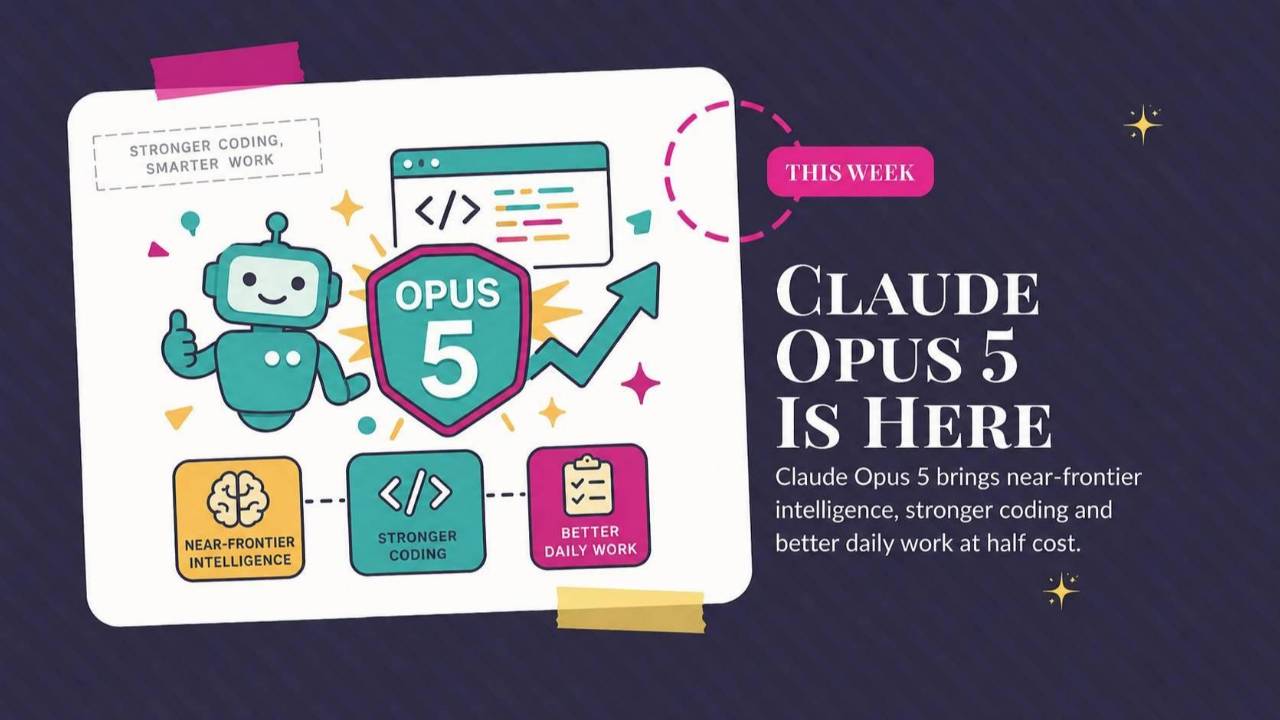
Claude Opus 5 arrives without changing the plan price, OpenAI cuts model costs, and Gemini works inside Mac apps. This roundup explains what those changes mean for your account, covers Gemini's limited-time video offer, and shares a prompt for shorter Claude answers.
Weekly AI Highlights: July 25-31, 2026
What Small Business Owners Need to Know Right Now
I am on Sullivan's Island right now, squeezing everything I can out of what is left of summer. #deliberatelyNotAIstuff
I snapped this selfie at my favorite spot on the island. It’s a tidal creek where we put in our kayaks, but even when I'm not kayaking it’s one of the first places I visit when I get to the island. It’s so beautiful and peaceful and just a great way to set the tone for the rest of the visit.
Moving along to our AI news this week…
1. Claude Opus 5 Is Here, And Your Bill Did Not Move
A quick note on names, because Anthropic has a lot of them. Claude comes in tiers. Fable 5 sits at the very top and costs the most. Opus is the powerful everyday tier underneath it. Opus 5 is the new version of that everyday tier.
Opus 5 comes close to Fable 5 on intelligence at half the cost, and it costs exactly the same as the model it replaces, Opus 4.8. On coding and knowledge work tests, Anthropic says it is now the best model available.
Opus 5 is the new default model on Claude Max and the strongest model on Claude Pro. If you pay for Claude, it is already there. You do not have to switch anything on.
Source Link: Source: 1. Claude Opus 5 Is Here, And Your Bill Did Not Move
2. OpenAI Cut Its Prices. Here Is What That Means For Your Account.
On July 30, OpenAI dropped the price of two of its models.
A reminder from a few weeks back. GPT-5.6 comes in three versions. Sol is the most powerful. Terra is the balanced everyday one. Luna is the fastest and cheapest. Luna now costs 80 percent less than it did. Terra costs 20 percent less.
Those are developer prices, so the first thing to say is what this is not. Your ChatGPT subscription price did not change. Your monthly quota did not change.
What did change is how far that quota stretches. When you use Terra or Luna inside ChatGPT Work or Codex, those tasks now eat fewer of your credits than they did last week. Same twenty dollars, more work out of it.
Who can reach which model: Free and Go accounts get Terra. Plus, Pro, Business, and Enterprise accounts can choose Terra or Luna.
Source Link: Source: 2. OpenAI Cut Its Prices. Here Is What That Means For Your Account.
3. Hold One Key And Gemini Works Inside Any App On Your Mac
Google turned the Fn key on your Mac into a way to talk to Gemini without leaving whatever you are doing.
Long-press the Fn key in the bottom left corner of your keyboard, start talking, and let go when you are done.
Out of the box, it transcribes. Not raw transcription either. It strips the ums and ahs, catches you when you correct yourself mid-sentence, formats the result, and drops it right where your cursor is. Any app. Email, a doc, a form, a browser.
But transcribing is the small version of this.
In your settings you can turn on something Google calls Gemini reasoning. Once that is on, Gemini can see what is on your screen, and then it stops being a microphone and starts being an assistant that works where you work. You are not copying things into a chat window and pasting answers back out. You talk, and it acts on what is already in front of you.
A few things it can do once reasoning is on:
Highlight files or a document sitting on your desktop and ask it to pull out what matters and turn that into an email.
Highlight messy notes anywhere on your screen and ask for a tidy summary with the short version at the top.
Ask it to make an image, or point at one you already have open and ask for a different version of it.
Because it can read your screen, it can pull from more than one place at once. You can be writing in your email and have it work with something from another app without you switching windows. Here is a short demo of it drafting an email in Gmail while pulling restaurant options off Google Maps.
Gemini reasoning is off until you turn it on. That is deliberate, and it is worth understanding what you are agreeing to before you flip it, since you are giving Gemini a look at whatever is on your screen.
The requirements: a Google account, a Mac with Apple Silicon running macOS Sequoia 15.0 or later, and 8GB of RAM. Google does not list a paid AI plan as a requirement. It is rolling out worldwide in English now, with more languages coming. There is no Windows version and Google has not said when there will be.
Source Link: Source: 3. Hold One Key And Gemini Works Inside Any App On Your Mac
4. Gemini Is Giving Away Video Until Tuesday Night
Google announced on July 29 that you can create ten videos at no cost inside the Gemini app. The window closes at 11:59pm PT on August 4th.
Open the tools menu in Gemini and choose Create video.
That runs on Gemini Omni, the model that replaced Veo inside the app. Omni normally requires a paid Google AI Plus, Pro, or Ultra plan, so this is the first time most people can touch it without paying. You have to be 18 or over.
Clips run about ten seconds. The useful part is that Omni creates, edits, and remixes, so you can talk your way through changes instead of starting over from a blank prompt. Make the light warmer. Slow the camera down. Cut the last two seconds.
Source Link: Source: 4. Gemini Is Giving Away Video Until Tuesday Night
PROMPT OF THE WEEK
Stop Claude From Talking Your Ear Off
Anthropic published a guide for Opus 5, the new model from story one. It is written for software developers, but buried in it is a fix for something you have probably been annoyed by for months.
Anthropic says it plainly: Opus 5 gives longer answers than the Claude models before it. It also tends to widen a job you gave it, adding steps you never asked for.
You asked for a headline. You got a headline, three alternates, a rationale, and a note about your target audience.
What it is for: getting shorter, tighter answers from Claude, and getting it to do the job you actually asked for instead of the bigger job it decided you meant.
When to use it: once. You paste this into a settings box and it applies to every new chat from then on. You do not have to remember it again.
What you get back: answers that lead with the answer. Fewer caveats, less throat-clearing, and no surprise extra work bolted onto a simple request.
Where to put it: in Claude, click your name in the bottom left, go to Settings, then Profile, and find the box that asks what Claude should keep in mind. Same box I sent you to on July 3rd. Different job this time.
Paste in both blocks:
Keep responses focused, brief, and concise. Keep disclaimers and caveats short, and spend most of the response on the main answer. When asked to explain something, give a high-level summary unless an in-depth explanation is specifically requested.
Deliver what was asked, at the scope intended. Make routine judgment calls yourself, and check in only when different readings of the request would lead to materially different work. If the request seems mistaken or a better approach exists, say so in a sentence and continue with the task as asked rather than quietly narrowing, widening, or transforming it. Finish the whole task, and stop short of actions that are clearly beyond what was asked.
One tip that matters: that wording is not mine. It is copied from Anthropic's own documentation, which is why it works so well. They know exactly which words this model responds to. When you want a long answer, just ask for one in the chat. A direct request in the moment beats the standing rule.
Source: Anthropic's official Opus 5 prompting guide, Source: Stop Claude From Talking Your Ear Off
Comments
If any of this made you think differently about how you want to work with AI, hit reply and let me know. I read every message. Your questions shape what I cover next.
Have a great weekend,
Founder, Front Row AI Club
PS. Was this newsletter forwarded to you? Sign up to get it in your inbox.
Whenever you’re ready, here are 3 ways I can help you:
1. Join the Front Row AI Club. I'll show you exactly how to turn AI into an indispensable part of your business without the head-banging learning curve.
2. Interested in 1:1 coaching or consulting? Book a session here.
3. Want me to speak to your group or give a training? It’s my favorite thing!
You can find my previous newsletter articles here: The Front Row AI Report
© 2026, Front Row AI Club. All rights reserved.