Claude Design, ChatGPT Images 2.0, and Workspace Agents
Apr 24, 2026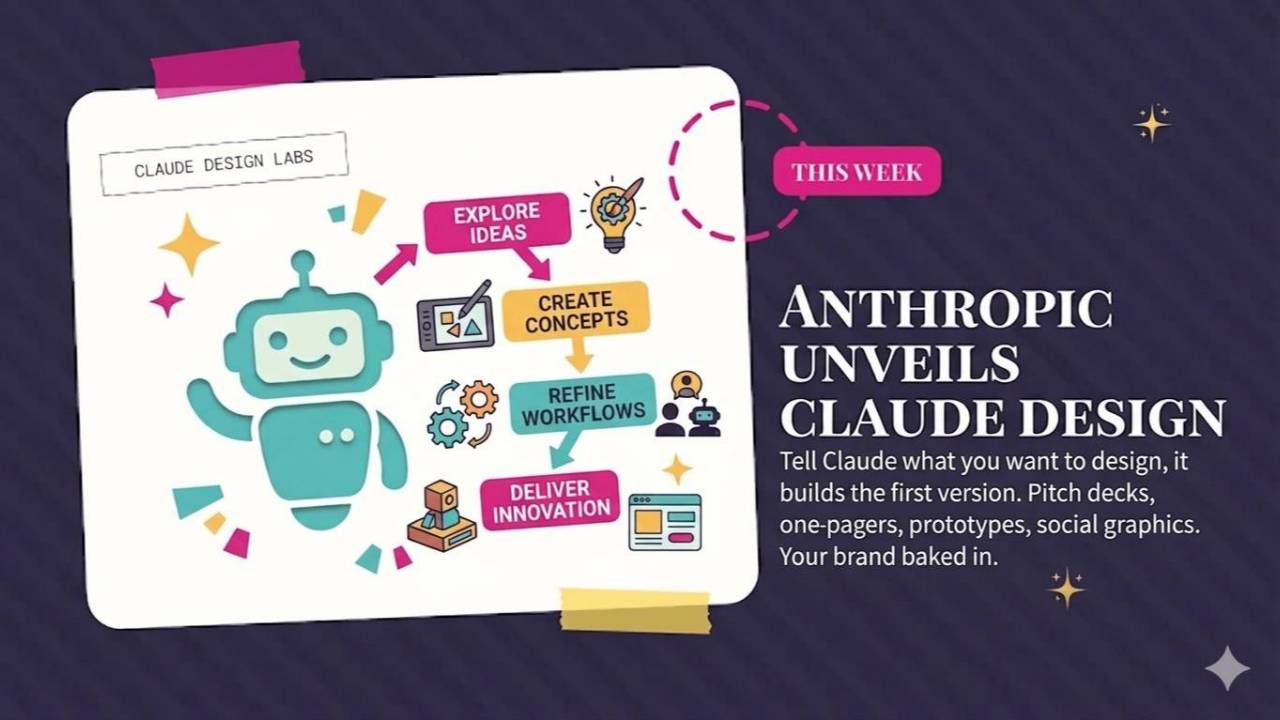
Claude Design creates visual work, ChatGPT Images 2.0 improves image generation, and GPT-5.5 brings another model update. This roundup also covers OpenAI Workspace Agents, Google Workspace Intelligence, and a prompt for choosing your next projects.
Weekly AI Highlights: April 18 - 24, 2026
What Small Business Owners Need to Know Right Now
Reader, first of all, my apologies.
I really only like to bring you a maximum of three updates each week. But this week, every single one is bananas. I keep saying this: AI isn't changing by the day anymore. It's changing by the minute.
Which is exactly why I'm writing you from Sullivan's Island, South Carolina. My college best friends and I finally pulled off a long overdue reunion this week. Old friends, new gray hairs, a lot of laughing. This is the whole point of figuring out AI, by the way. You get to go live your life while it does the work.
Let's get into it.
1. Anthropic Launched Claude Design
Anthropic launched Claude Design, a new way to create visual work just by describing what you want. Pitch decks, one-pagers, prototypes, landing pages, social graphics. You talk to Claude like you're talking to a designer, and it builds the first version. Then you refine it through conversation, inline comments, or direct edits.
What makes this different from other AI design tools:
- It learns your brand. During setup, Claude reads your website, design files, or codebase and builds a design system from your actual brand. Every project after that uses your colors, fonts, and style automatically.
- You can import almost anything. Text prompts, screenshots, Word docs, spreadsheets, PowerPoints. You can even point it at your website and have it pull elements directly so your prototypes look like the real product.
- You can refine in plain English. Leave inline comments on specific pieces, edit text directly, or use sliders to adjust spacing, color, and layout live.
- You can export straight to Canva. Or to PDF, PowerPoint, or plain HTML. Canva and Anthropic announced a direct integration, so you can send your Claude Design into Canva to finish in the tool you already know.
This is available for Claude Pro, Max, Team, and Enterprise subscribers.
Source Link: Source: 1. Anthropic Launched Claude Design
ACTION STEP (DO THIS WEEK)
Go to claude.ai/design right now and try one project. Pick something small you already have in progress. A LinkedIn banner, a pitch deck slide, a one-pager for a new offer. Let Claude build a first version, then refine it in the chat. See how close to finished it gets in 10 minutes.
2. ChatGPT Images 2.0 Can Finally Spell
OpenAI released a big upgrade to their image generator. This is the feature you use when you say "make me an image of..." inside ChatGPT.
What's new:
- It can think before it draws. The model takes a beat to plan the image before generating. This is called "images with thinking" and it's only on paid plans.
- Text inside images actually works now. If you want a flyer that says "Grand Opening June 5," the words come out right instead of "Gnad Openig Jun 5," which has been the curse of every AI image tool for years.
- It can make up to 8 versions from one prompt so you can pick the best one.
- It can search the web before drawing, so if you ask for a realistic photo of a product that just launched, it actually knows what that product looks like.
Source Link: Source: 2. ChatGPT Images 2.0 Can Finally Spell
ACTION STEP (DO THIS WEEK)
Open ChatGPT and ask it to make an Instagram post for something you actually sell or offer this week. Include specific text you want on the image: a headline, a date, a short tagline. See how much closer to finished it gets compared to what you're used to.
3. OpenAI Released GPT-5.5
OpenAI just released GPT-5.5! This is the newest version of the AI brain inside ChatGPT, and it's rolling out to paying subscribers right now.
What actually changed:
- It's better at getting work done when you give it a vague or messy instruction. You don't have to spell out every step anymore.
- It's better at coding, research, and working with data.
- Same speed as the last version but uses less energy for the same task, so you can do more in one session.
- OpenAI specifically built this one to handle work across your email, spreadsheets, and calendar with minimal input from you.
Source Link: Source: 3. OpenAI Released GPT-5.5
4. OpenAI Launched Workspace Agents
OpenAI announced Workspace Agents, custom AI helpers your team can build once and share across the company. They run in the cloud, so they keep working even when your laptop is closed. And they can take real actions, not just reply to questions. Things like pulling customer feedback from the web, drafting follow-up emails, or posting a daily summary to your team.
The part that caught my eye: OpenAI released a bunch of ready-made templates you can spin up in a few clicks. A few that would make sense for small business owners:
- Chief of Staff: Pulls together a daily operating brief from your schedule, inbox, and team chats. Priorities, meeting prep, TODOs, and follow-up guidance in one clean daily rundown.
- Customer Reply Drafter: Drafts replies to customer messages using your past conversations and your tone.
- Sales Assistant: Handles the repetitive pieces of your sales workflow.
- Campaign Copy Generator: Drafts marketing copy you can build on.
- Customer Support: Takes first-pass customer support off your plate.
They connect to Gmail, Google Calendar, Outlook, Slack, Microsoft Teams, and a growing list of other tools.
One thing to know about availability: this is currently on ChatGPT Business, Enterprise, Edu, and Team plans. It's not on Plus or Pro yet. No word on whether it's coming to Pro, but fingers crossed.
Source Link: Source: 4. OpenAI Launched Workspace Agents
5. Google Launches Workspace Intelligence
Google announced Workspace Intelligence, which is their name for Gemini (Google's AI) getting plugged into every tool you already use. Gmail, Docs, Sheets, Slides, Drive, and Chat.
Instead of bouncing between apps to do one task, Gemini sees all of it at once. Your emails, your files, your calendar, your team chats. And it uses that context to actually get work done for you.
What Workspace Intelligence looks like in real life:
In Google Chat: A new "Ask Gemini" bar. You type something like "give me my daily briefing" or "find the proposal I sent to Sarah last month," and Gemini goes and does it. It also connects to outside tools like Asana and Salesforce, so you can pull info from those without leaving Chat.
In Gmail: Something called AI Inbox that cuts the noise and shows you only what matters. Search any topic and Gemini writes you a clean summary of every related email thread. No more digging through 40 messages to find one answer.
In Docs, Sheets, and Slides: You describe what you want in a sentence or two. Gemini drafts the document, builds the spreadsheet, or creates the full slide deck. It uses your past emails, files, and company templates so the output sounds like you, not like generic AI.
In Drive: A new thing called Drive Projects. Basically a smart folder that knows what's inside it. You can ask Gemini questions about any file and get answers without opening a thing.
Source Link: Source: 5. Google Launches Workspace Intelligence
ACTION STEP (DO THIS WEEK)
If you haven't played around with Gemini yet, do it this weekend. Start with Google Sheets. Sheets used to intimidate the heck out of me. But Gemini really helps with simple stuff like creating drop-down columns and setting up basic formulas, things I never felt confident doing on my own. It's like having a Sheets-savvy friend sitting next to you. I love it.
PROMPT OF THE WEEK
Clean Up Your Project List (and Pick the 3 Worth Doing)
What this prompt is for: Taking your messy list of business ideas, half-started projects, and "someday" tasks and turning it into a focused short list you can actually ship.
When to use it: When your to-do list, Notion board, or project doc has grown so long you avoid opening it. Or when you're starting a new quarter and want to reset.
What to expect: A honest cut of the dead weight, a clear plan for the 3 projects worth doing now, and a ranked list of the rest so you know what's next.
The Prompt:
Act like my chief of staff. I'm going to paste a list of projects, ideas, and tasks below.
Here's my current business focus: [write 1 to 2 sentences. Example: "Growing my coaching practice to 20 clients and launching a group program by September"].
Do these four things:
- Point out 3 items I should delete from the list. These are the ones that don't move me toward my focus above, or that duplicate something else on the list. Tell me why, in one sentence each.
- Pick the top 3 items I should focus on right now. For each one, write me a simple plan: what "done" looks like, the first three steps to get started, and how long it should realistically take.
- Rank the rest of the list from "next up" to "someday." Be honest.
- End with one sentence telling me what I'm probably avoiding and why.
Here's my list:
[paste your projects, ideas, and tasks here]
Why this works: Most of us don't have a task problem. We have a too-many-half-started-things problem. This prompt forces a decision on every item instead of letting you drift. The last step (what you're avoiding) is where the gold usually is.
Source: Prompt-Led Product
Comments
If any of this made you think differently about how you want to work with AI, hit reply and let me know. I read every message. Your questions shape what I cover next.
Have a great weekend,
Founder, Front Row AI Club
PS. Was this newsletter forwarded to you? Sign up to get it in your inbox.
Whenever you’re ready, here are 3 ways I can help you:
1. Join the Front Row AI Club. I'll show you exactly how to turn AI into an indispensable part of your business without the head-banging learning curve.
2. Interested in 1:1 coaching or consulting? Book a session here.
3. Want me to speak to your group or give a training? It’s my favorite thing!
You can find my previous newsletter articles here: The Front Row AI Report
© 2026, Front Row AI Club. All rights reserved.